Xopero Endpoint Backup: A smart way to protect workstations with ServerDirect hardware
Auteur: Siu-Ho
November 6, 2025
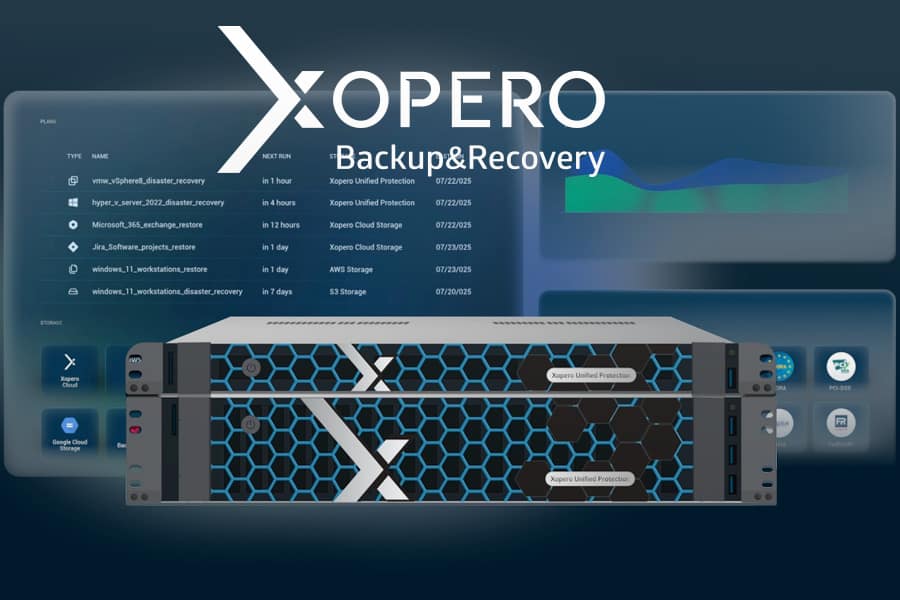
In an age where ransomware and data loss are daily risks, protecting laptops, desktops, and other endpoints is essential. Xopero Endpoint Backup offers a powerful, manageable, and secure solution for automatic workstation backups, and with the right ServerDirect hardware, you get the most out of your backup system.
Why Endpoint Backup Is Important
- Users store critical data on laptops and desktops every day.
- A single infection or hardware failure can mean days of lost work.
- Xopero automates backups of every endpoint, locally or in the cloud, with fast recovery options down to the file level.
- Centralized monitoring ensures you never miss a backup.
The Perfect Combination: Xopero + ServerDirect
Xopero works best on reliable, performance-driven hardware. ServerDirect provides systems designed exactly for that purpose:
- Rack servers with powerful Intel Xeon or AMD EPYC processors, ECC memory, and redundant storage.
- NAS systems with SSD caching and 10 GbE for fast restores.
- Compact 1U servers for branch offices or remote locations.
- Workstations that can be quickly restored via image-based recovery after a crash.
Recommended Setup
- Backup repository:
- 2U server, 64 GB RAM, 12-bay RAID storage.
- SSD cache for deduplication and restore performance.
- Remote office/gateway:
- 1U Xeon or Ryzen server, 32 GB RAM, NVMe boot drive.
- Endpoint recovery/test environment:
- Barebone or mini-server for rapid full system restore testing.
Quick Implementation Guide
- Install the Xopero agent on all workstations.
- Set up automatic, encrypted backups.
- Use ServerDirect servers for local or central storage.
- Periodically test restores for assurance.
- Manage everything from the Xopero dashboard.
Why Switch Now
- Endpoint attacks are increasingly common.
- A good backup prevents prolonged downtime.
- The combination of Xopero Endpoint Backup and ServerDirect hardware gives you enterprise-level protection on an SMB budget.


Schrijf in voor onze Nieuwsbrief
Hebt u vragen of hulp nodig? Wij helpen u graag.
Leverancier van betrouwbare serveroplossingen en opslag. Systeemintegratie van servers en opslag van fabrikanten zoals Supermicro, ASUS, NetApp, HPE, Dell, GIGABYTE, ASRock, Western Digital, Seagate, Micron, Chenbro, Toshiba. Wij leveren wereldwijd: Brussel, Parijs, Madrid, Rome, Amerika, Dubai en meer.